
QA Testing Tools: The Real Toolkit You'll Use Every Day
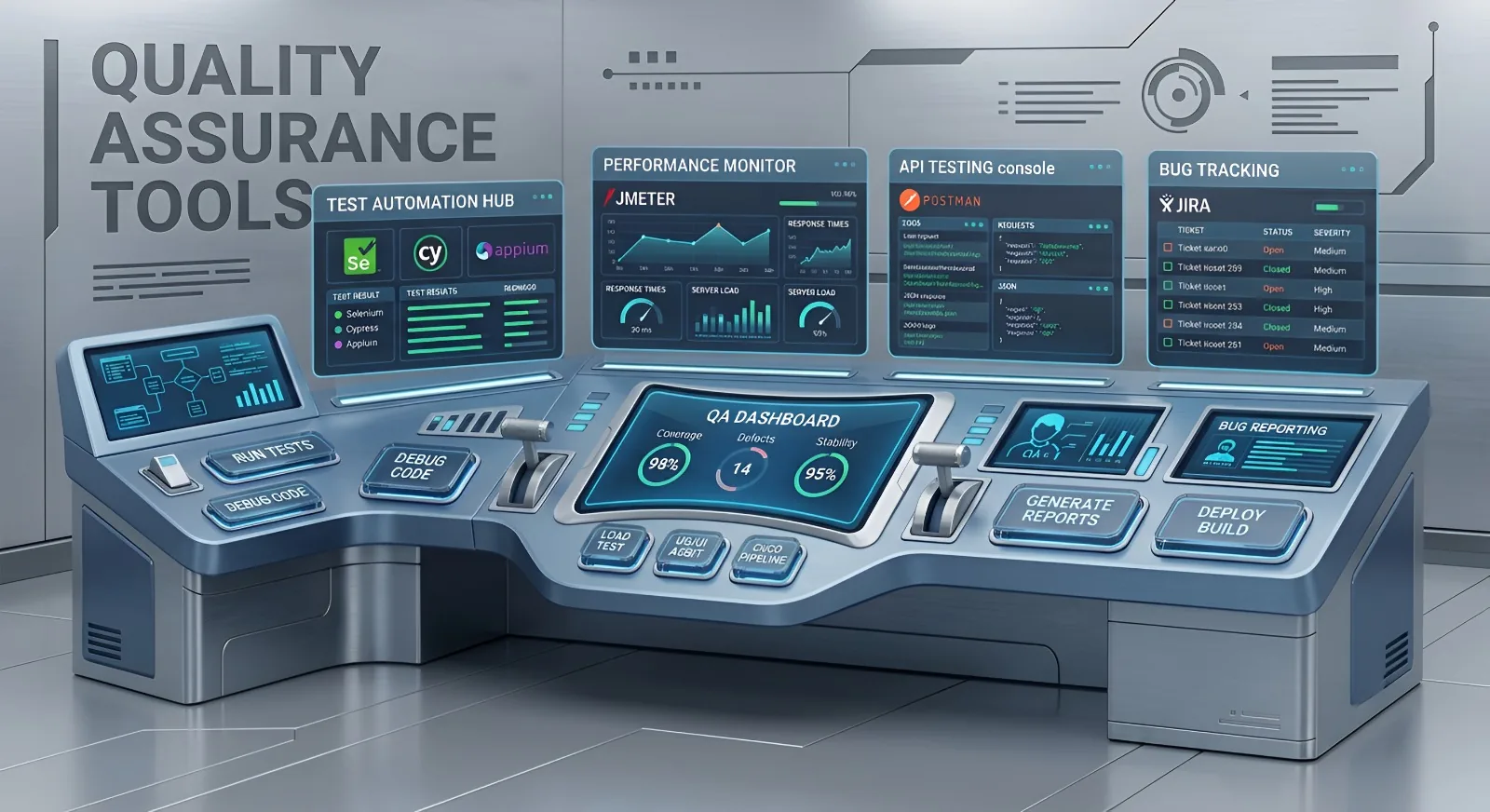
QA testing tools include dozens of useful applications for working with websites, databases, and code. But the most important tools of all are still your own logic, common sense, and proactive mindset.
Of course, you can't work in IT without software. These tools help you look "under the hood" of a website, send requests to a server, or capture bugs. But they won't find problems on their own. Testing is a job that requires your brain to stay switched on all the time. You're constantly thinking through unusual scenarios: What happens if the user holds this button down? What if the internet connection drops? What might the developer have missed? The software is just a powerful assistant in the hands of a thoughtful QA engineer.
No dry textbook theory here. Below are the tools you'll actually use on real projects every day.
Looking Under the Hood of Websites and Apps
When most people open a website, they see a nice interface. A QA engineer sees what's happening behind it. These are the tools that let you look beyond the storefront and understand how everything really works.
- Chrome DevTools. Our best friend. It's built right into the browser (press F12) and lets you see how a page loads, where a request gets stuck, and why everything suddenly stopped working.
- Screenshots and screen recordings. Finding a bug is only half the job. You also need to show it clearly to the developer.
What about mobile apps? You could surround yourself with dozens of physical phones... or you can use cloud device farms. These services give you access to thousands of real devices running in the cloud. Upload your app, connect DevTools, and start testing. Most of these platforms also collect logs automatically, making your job much easier.
Working with Servers and Databases
A regular user sees a login form. A QA engineer thinks, "Where is this data actually going?" That's where these tools come in—they let you inspect what's happening behind the scenes.
- Postman. The go-to tool for API testing. Think of it as a way to talk directly to the server without going through the website interface. You send a request and inspect the response.
- Database Management Systems (DBMS). For example, PostgreSQL (yes, the one with the blue elephant logo). User accounts, orders, products—everything lives in databases. A QA engineer needs to know how to look inside and verify that data is stored correctly.
Keeping Everything Organized
Fighting chaos is part of the job. These are the tools that help QA teams stay organized and keep projects under control.
- Jira. The legendary project management tool. Found a bug? Create a ticket in Jira, assign it to a developer, and track the fix.
- Test management systems. For example, Zephyr (which integrates with Jira). This is where test cases live—step-by-step instructions describing exactly what should be tested and how.
- Google Sheets and Google Docs. Simple but essential. Whether you're creating a quick checklist or drafting a test plan, these tools never stop being useful.
Artificial Intelligence (AI): Your New Junior Teammate
Finally, AI is working with us instead of trying to replace us.
Today, AI has become an incredibly useful assistant. We use it to quickly generate testing ideas, draft test scenarios, prepare documentation, and support exploratory testing. It also helps us understand new products much faster and see how competitors have approached similar problems.
And that's really it. Nothing overly complicated.
Of course, there are hundreds of other QA tools available. But this list covers the practical foundation you'll genuinely use almost every day on the job.
Want to master these tools through real hands-on practice and start your IT career with confidence instead of endless memorization? Join our QA course, and we'll walk through every one of these tools using real-world projects.